.png)
.png)
Halo is here!
Content management made »easy« For iWalker, iProjector, or ANY screen!

Control your content, from anywhere, anytime.
Halo puts your screens at your fingertips, no matter where you are.

-
Screen and content control, made easy.
A low cost and easy to use digital signage software for business owners who are looking to turn their TV screens into a connected advertising network.
- A breeze to set up
- Cable, wireless or mobile, it’s up to you
- Simple Particle Injection
- Mobile-enabled management
- Simple, intuitive user interface
- Drag-and-drop layout editing
- Any kind of content
- Schedule in advance
- Content adaptation
- Use just one player, or thousands…You choose.
Find out more about using the Menu Editor in our documentation. -
The Layout Manager makes it easier than ever to arrange and customize your users’ experience with drag-and-drop simplicity from start to finish. A handful of the many features found in the Layout Manager are listed below.
- Drag-and-drop Functionality
- Unlimited Items Per Row
- Unlimited Rows Per Section
- Easy Widget Position Placement
- Resize Items with Simple Sliders
- Per-section CSS Classes and Tag Attributes
- Per-block CSS Classes, Variations, and Tag Attributes
- Quick Preset Loading
- Undo and Redo
- Access to Easy-to-use Particles
- Intuitive Visual Interface
- Touch-screen Friendly
Find out more about using the Layout Manager in our documentation.


"The HALO Box has been a great addition to Clinetix. The software is easy to use and allows us to update content alongside new marketing campaigns. Not only is it exceptionally eye-catching, it is more cost-effective than print marketing we previously had on display."
Halo Software
1.Create
Design your screen using our ‘drag and drop’ editor. Choose from image, video, social media, web page, RSS feed, touch screen widgets and more. Add the weather and news for a local touch.
2.Schedule
When you are happy with your content selection, schedule it to play when you want throughout the day, week or month. You decide how long for and how often. Simply add it to a playlist and assign it to a screen
3.Play
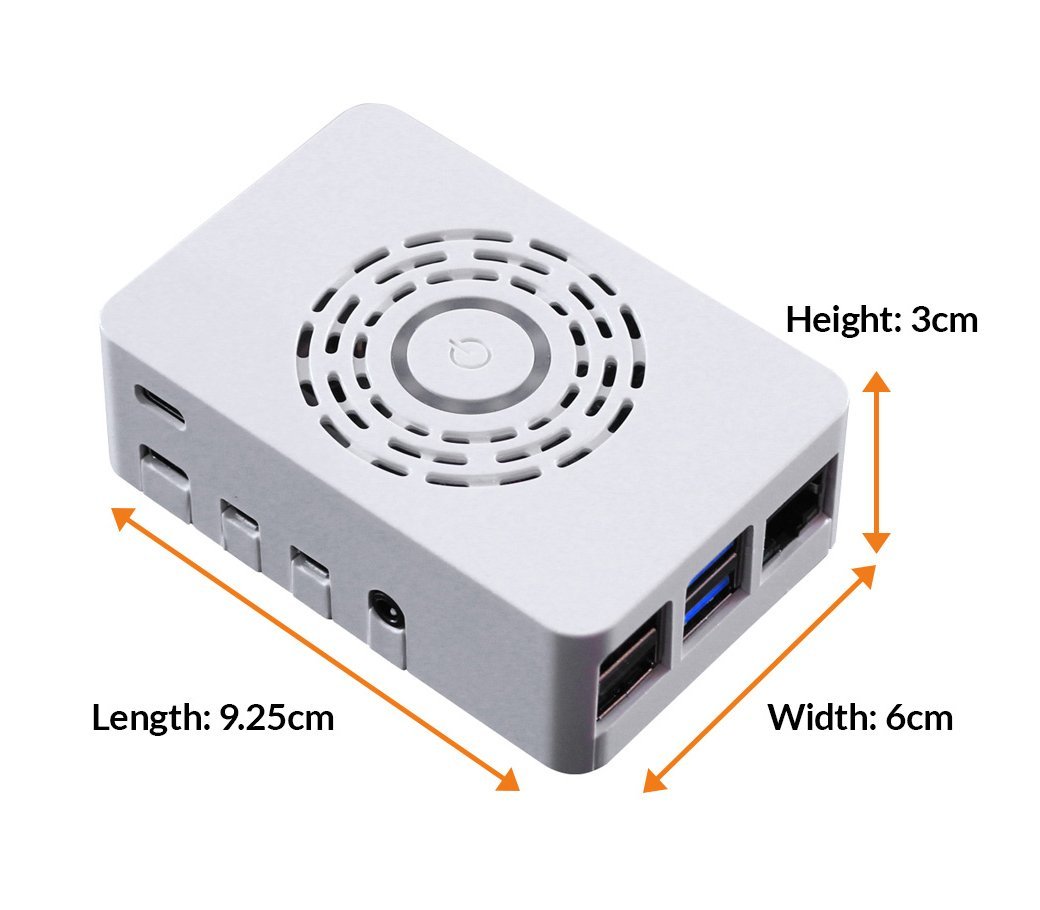
All that’s left to do is to plug in our Halo mini player. Connect the device via HDMI, pick your WiFi network and login to our app. Your content will automatically play.